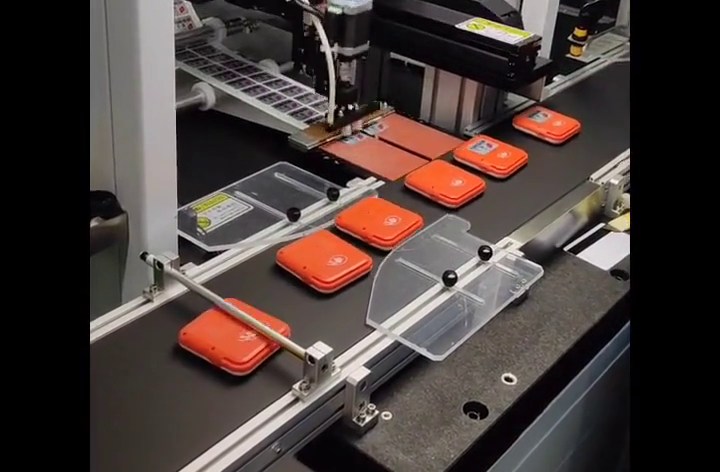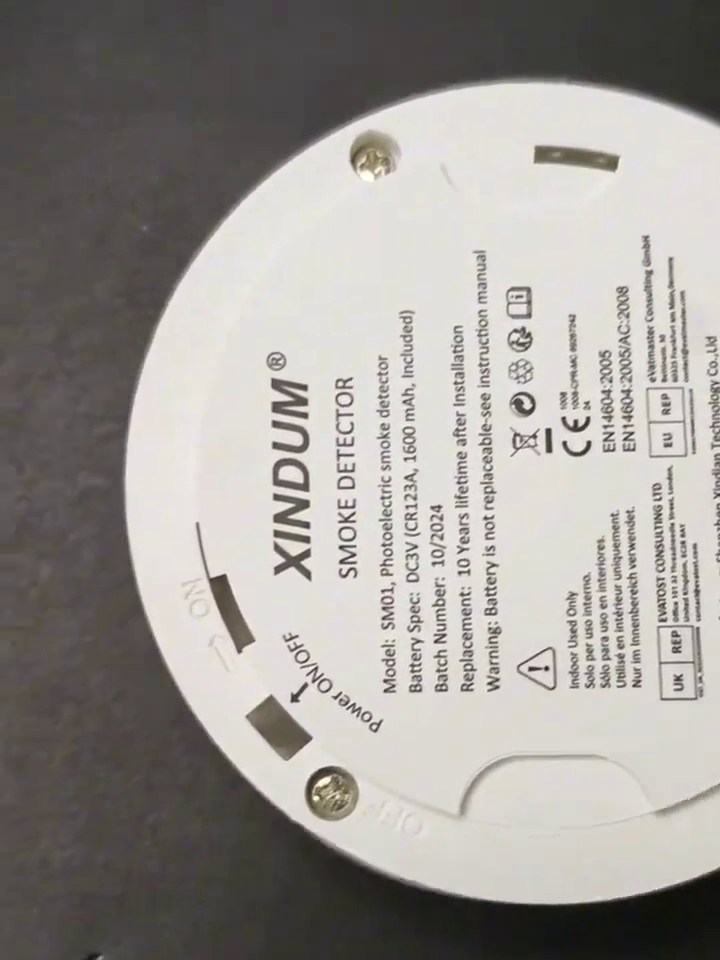
Setting label orientation on round housings
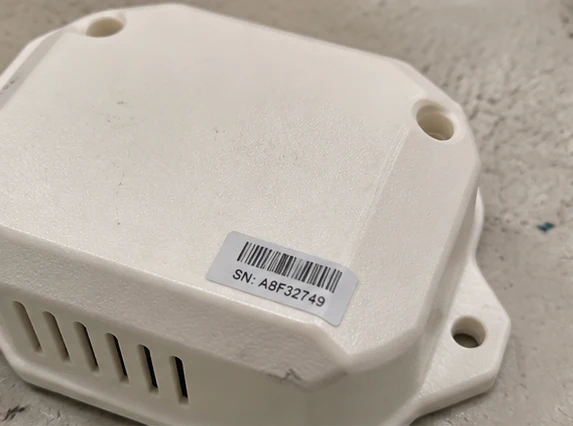
Operator-facing nameplates and installer-facing underside labels can have different orientation requirements. The circumference can locate the centre. If text must align with a lug, mark a direction feature on the part drawing, such as an asymmetric notch, hole pattern or specified edge. In the finished top-view photo, show the feature and the entire label together.
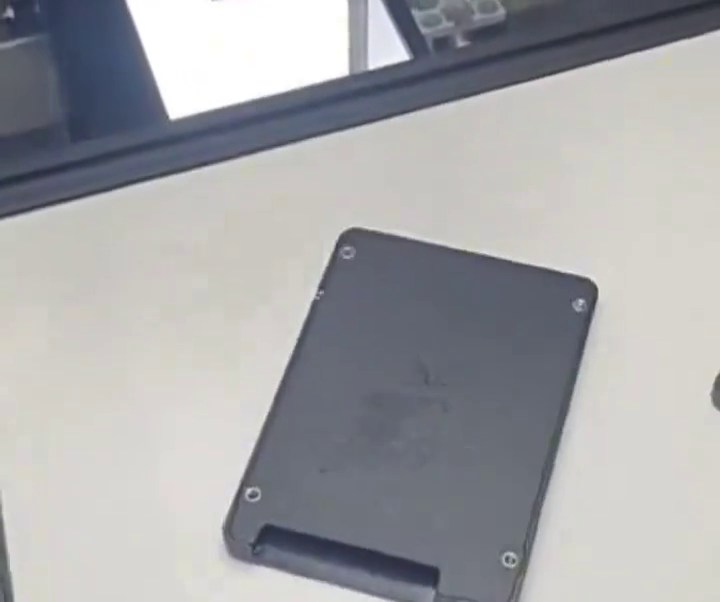
Defining edge clearances on rectangular bases
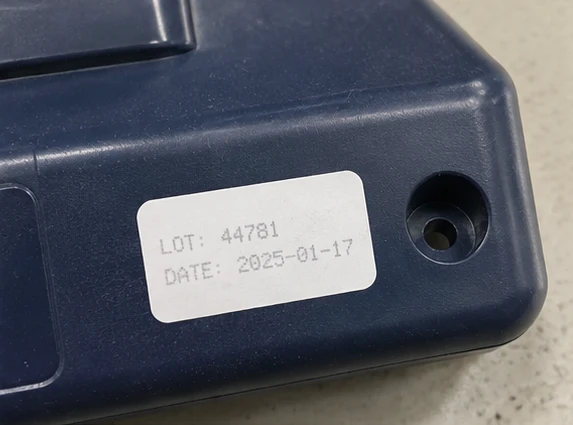
As the incoming angle changes, the datum edge rotates with the part. Mark which label edge is parallel to which part edge and give clearances on both axes. If all corners are rounded, identify a straight segment or a specified hole as the datum. When a housing shape uses multiple labels, list label direction, roll width and the corresponding machine recipe for each part number.
Inspecting finished parts
Check position, text direction and surface condition separately. For barcode readability, provide symbology, read location and acceptance method so application and scanning can be evaluated separately. Supply label size, offsets and labels per part along with target hourly output. Start with an unrolled material drawing, part datum drawing and an image of the finished result.